
QR menu with ordering, waiter call buttons and guest reviews
Guests browse the menu, order, call a waiter and leave a review from their own phone — no app to install. You serve faster, and every order, call and review lands in your Telegram instantly.
For cafés, restaurants, bars and hookah lounges
Try it as a guest
Scan with your phone camera
How it works
Add your tables
Sign up and add your tables — each one gets its own QR code. The first 14 days are free.
Set it up
Connect notifications in Telegram or Poster, add your menu and choose what guests will see.
Place the QR codes
Generate a print-ready file and put the codes on your tables. Guests scan them with their phone camera.
A QR menu that’s always up to date
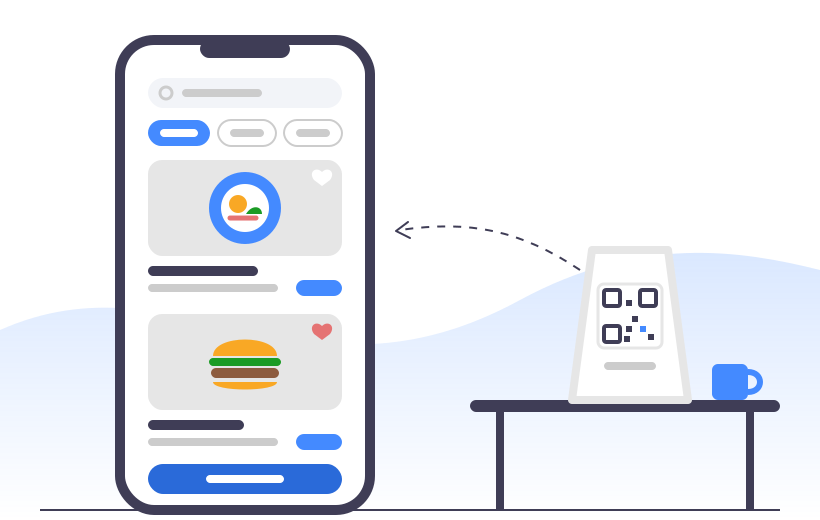
Guests scan the QR code on the table and see your menu right in their phone’s browser — no waiting for a waiter. Prices changed or a new dish arrived? Update the menu in a minute, nothing to reprint. Build your menu in YUPA from scratch or sync it from Poster.
- Dish photos, descriptions and variants
- Search and Favourites for guests
- Menu import from Poster
Ordering straight from the phone
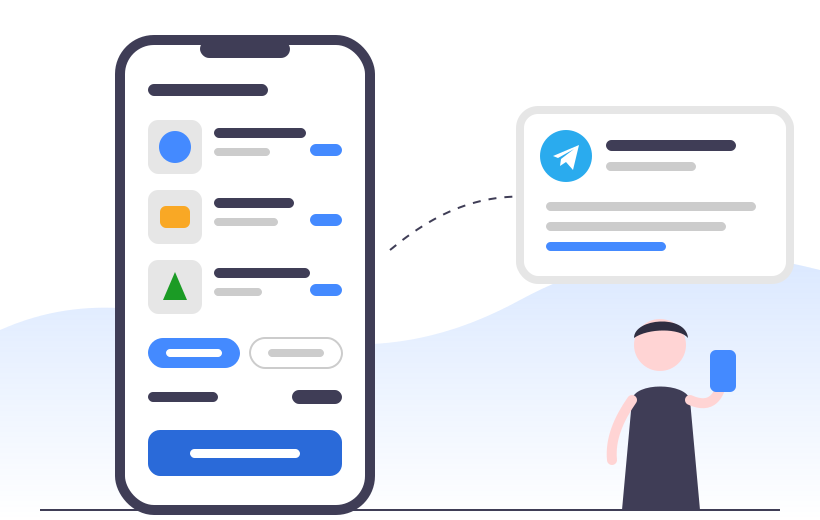
Guests put together an order in the menu and place it themselves — dine-in or takeaway, with a note for the kitchen. The order reaches your staff in Telegram instantly. And with a dedicated link for Instagram or your website, you can take orders even from people who haven’t arrived yet.
- Dine-in or takeaway
- Pay by cash or card
- Orders from Instagram and your website via a link
Waiter call buttons, no hardware needed
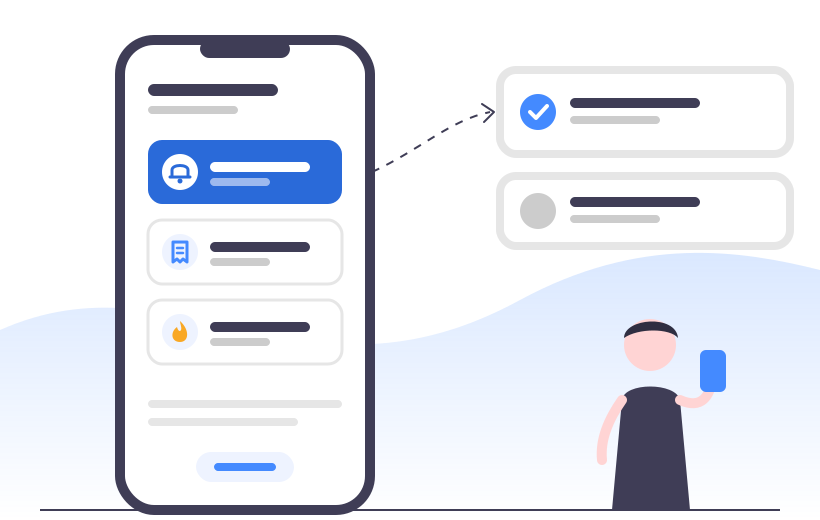
Instead of trying to catch a waiter’s eye, the guest taps a button on their phone: “Call the waiter”, “Bring the bill” or “Change the hookah coals”. You set up the buttons and notification texts yourself. There are no devices to buy and install on every table — which makes it far cheaper than physical call systems.
- Any buttons your venue needs
- Notifications in Telegram or on a Poster terminal
- No hardware on the tables
Guest reviews, straight to your Telegram
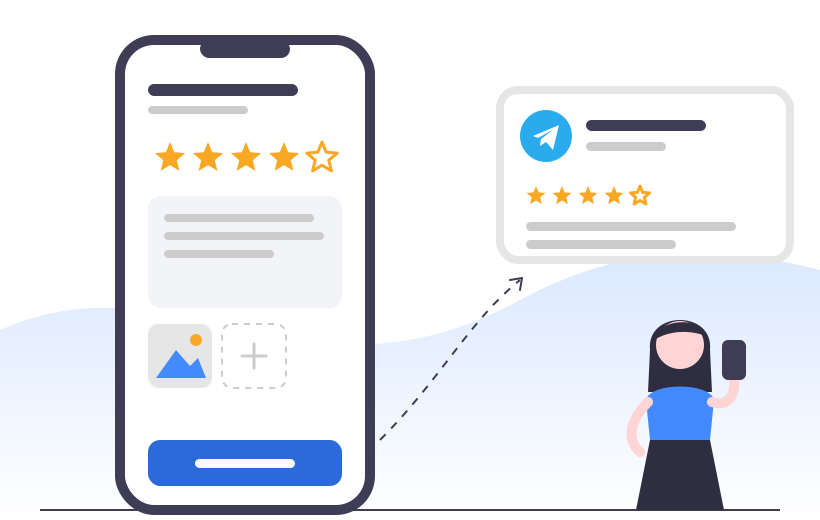
Guests rate their visit and leave a review right from the table, and you get it in Telegram instantly. So you hear about an unhappy guest while there’s still time to make it right — not from a Google Maps review the next day.
- Rating, comment and photo
- Guest’s phone number for follow-up
- Anonymous reviews — your choice
Delivery
Coming soon
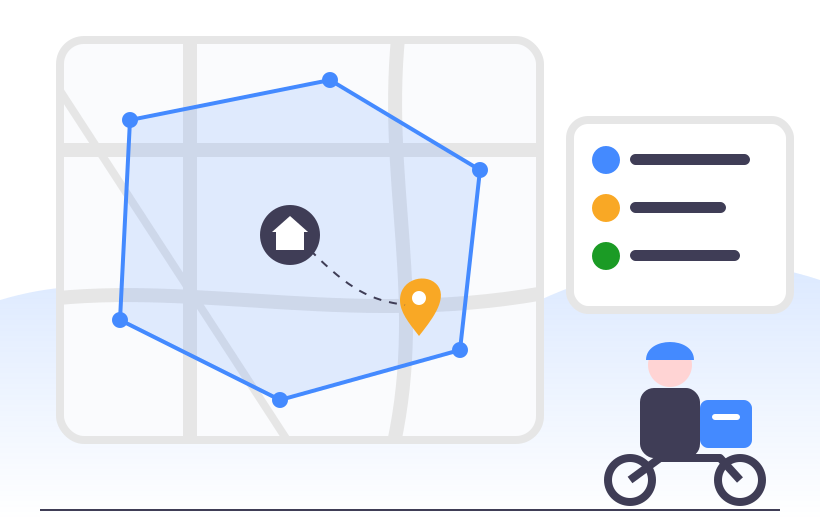
Take delivery orders through your own link. Draw the delivery zone on a map, set the fee, minimum order and estimated time — the guest picks an address from suggestions, and YUPA checks whether it’s inside the zone.
- Delivery zone as a radius or custom shape on the map
- Delivery fee, minimum order and time
- Automatic address check
Online tips
Coming soon
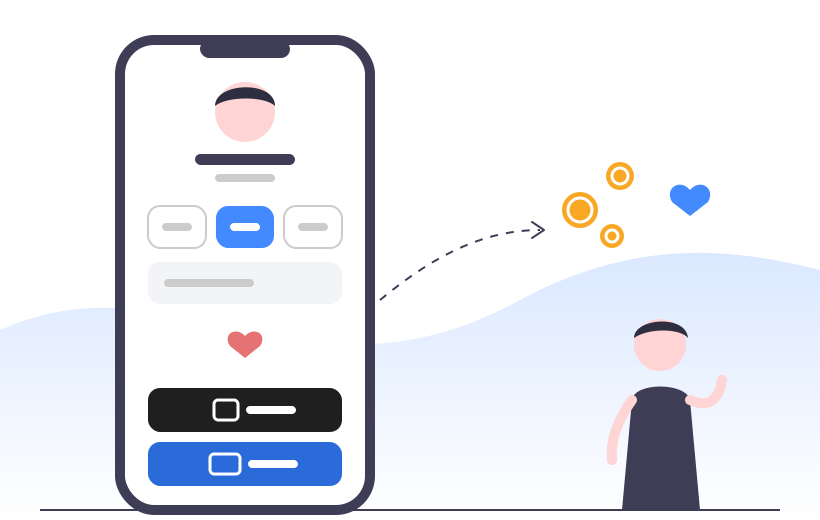
No cash? No problem. Guests can leave a tip with Google Pay or Apple Pay just by scanning the QR code. Your waiters will appreciate it.
Everything under your control
An easy admin panel where you set YUPA up for your venue — no developers needed.
Analytics
See how many times guests scanned QR codes, opened the menu, called staff and left reviews over the last 30 days.
Poster integration
Sync your menu from your POS system and receive guest calls right on your Poster terminals.
Notification groups
Create groups like “Waiters, main hall” and subscribe staff members or team chats in Telegram.
Your brand
Brand colour, cover photo, welcome message, social media and custom links for your guests.
Multiple venues
Manage all your locations from one account, each with its own tables, menu and settings.
Print-ready QR codes
Generate a file with QR codes for all your tables in one of three styles and print it yourself.
One plan — every feature
No bundles and no add-ons: menu, ordering, call buttons, reviews and integrations are included in every subscription. Just choose the term.
1 month
12 months
New features at no extra cost
Everything we launch during your subscription is yours for free.
FAQ
Do guests need to install an app?
No. Guests scan the QR code with their regular phone camera, and the menu opens right in the browser.
What kind of venues is YUPA for?
Cafés, restaurants, bars, hookah lounges — any venue with table service. You can manage multiple locations from one account.
How much does it cost?
One plan with every feature: $10 per month or $100 per year per venue.
Can I try it for free?
Yes. After signing up you get 14 days of full access to every feature.
My menu is already in Poster. Do I have to move it by hand?
No. The menu syncs from Poster automatically — dishes, prices and photos come over on their own. You can also build a menu in YUPA from scratch.
Where do orders, calls and reviews go?
To Telegram — as direct messages to staff or into a team group. Staff calls can also be sent to Poster terminals.
What call buttons can I create?
Any your venue needs: “Call the waiter”, “Bring the bill”, “Change the hookah coals” and so on. You write the notification text for each button yourself.
What happens to the QR codes when my subscription ends?
The QR codes are paused until you renew your subscription. Turn on auto-renewal so you never have to think about it.
Will I have to pay extra for new features?
No. Everything we launch during your subscription is included at no extra cost.
What if I get stuck during setup?
The admin panel has a step-by-step guide, and our support team answers any questions in Telegram.
Try YUPA free for 14 days
Full access to every feature from day one.